Spotlight Heats up Macbooks. Here's how you fix it.

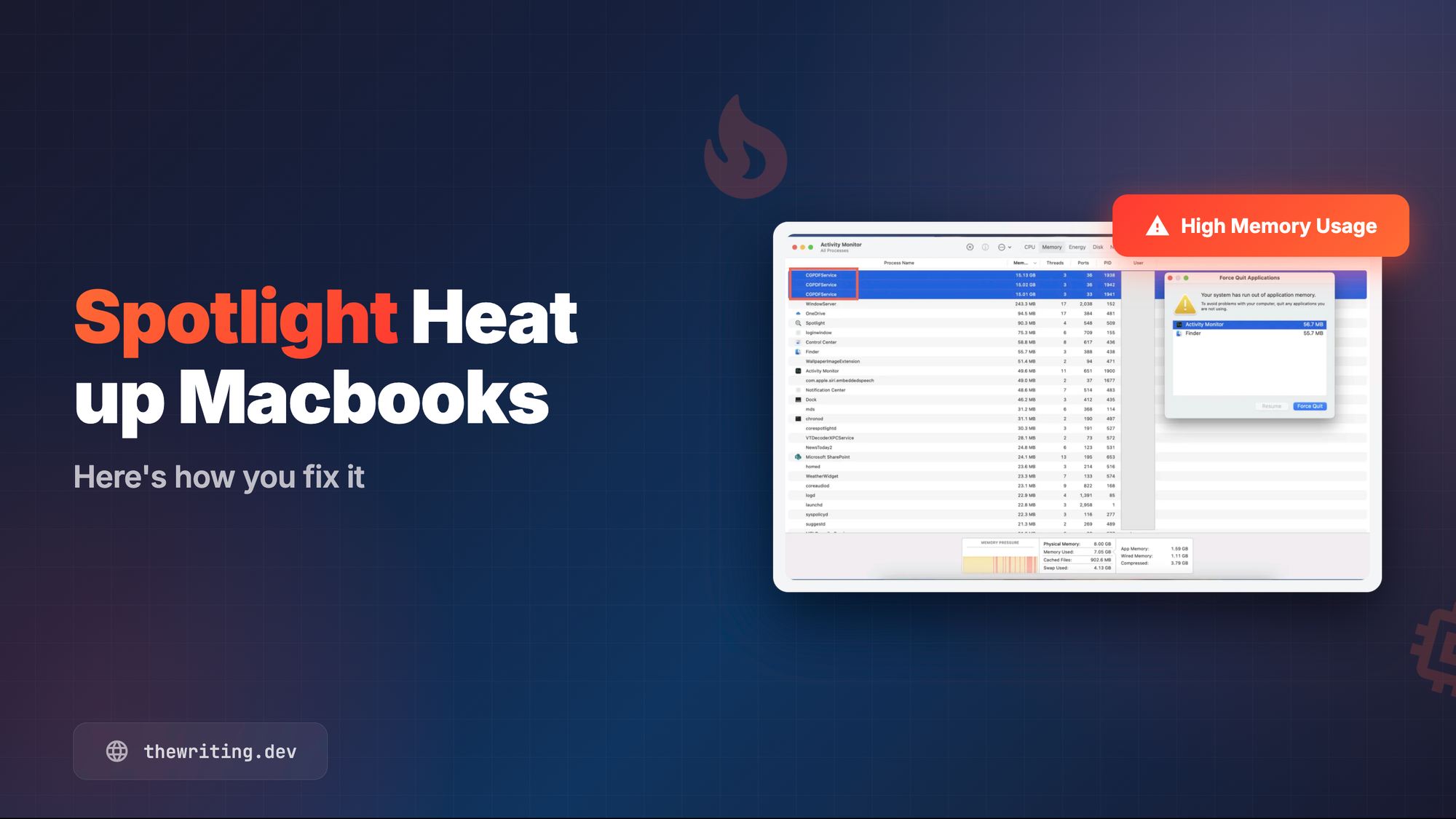
You open your MacBook. The fans spin up. Activity Monitor shows a dozen CGPDFService processes eating through your RAM like it's nothing. Everything is sluggish. You can barely open a browser tab.
Sound familiar? This happened to me recently, and it took longer than I'd like to admit to figure out what was going on.
What's actually happening
CGPDFService is a legitimate macOS background process. It's part of Core Graphics and handles PDF-related tasks - extracting text, parsing metadata, that sort of thing. It's not malware.
The problem is Spotlight. When macOS indexes your files, it spawns multiple instances of this service to process PDFs. If you have a lot of PDFs, or a corrupted one somewhere, or a mounted network drive full of documents - it goes into overdrive. Multiple instances, each consuming significant memory. Your Mac becomes unusable.
TL;DR
CGPDFService eats your RAM because Spotlight is indexing PDFs. Boot into safe mode if your Mac is frozen. Then exclude your drive from Spotlight in System Settings > Siri & Spotlight > Privacy. Disable all the options within "Results" section for a quick speed-up. Enable if needed. That's it.
Step 1: Boot into Safe Mode
If your Mac is too sluggish to do anything useful, start here. Safe mode disables non-essential processes and gives you room to breathe.
- Shut down completely (Apple menu > Shut Down)
- Press and hold the power button until you see "Loading startup options"
- Select your startup disk (usually "Macintosh HD")
- Hold Shift, then click "Continue in Safe Mode"
- Release Shift and log in
You'll see "Safe Boot" in the menu bar if it worked. If things are calmer now, the culprit is something that gets disabled in safe mode - likely Spotlight indexing a problematic folder or drive.
Note: To exit safe mode, just restart normally without holding any keys.
Step 2: Stop Spotlight from triggering the problem
You can't fully disable CGPDFService without risking system instability. But you can stop Spotlight from feeding it work. This is the actual fix.
- Open System Settings (Apple menu > System Settings)
- Go to Siri & Spotlight or Spotlight
- Scroll down to Privacy and click "Spotlight Privacy..."
- Click the + button and add the folders or drives that contain your PDFs
This tells Spotlight to stop indexing those locations. No indexing means no PDF processing means no runaway CGPDFService. In my case, I just asked it to unindex my complete root drive, as I didn't find those Spotlight results useful anyways.
If things are still rough after all this, you can reset Spotlight entirely via Terminal:
sudo mdutil -E /
This rebuilds the entire Spotlight index from scratch. It takes a while, but it clears out any corrupted index entries that might be causing repeated processing loops.
This completely fixed the heating issues on my laptop, which I originally thought were coming from Zoom. Now my battery lasts for longer and it's easier to use the laptop from the couch. Hope this helps!